

This Product is only available for online order!
| Price | To be announced |
| Status | Out Of Stock |
| Product Code | 8446 |
| Brand | HP |
| Model | ||
| Brand | HP | |
| Model | E24q G5 | |
| Display | ||
| Display Type | LCD | |
| Display Size | 23.8 Inch | |
| Panel Type | IPS | |
| Resolution | QHD (2560 x 1440) | |
| Brightness | 300 nits / cd/m2 | |
| Refresh Rate | 75 Hz | |
| Response Time | 5ms | |
| Aspect Ratio | 16:9 | |
| Viewing Angle | 178° | |
| Others Features | Color Gamut: 99% sRGB Contrast Ratio: 1000:1 |
|
| Audio/Video Features | ||
| Flicker Free | Yes | |
| Low Blue Light | Yes | |
| Speakers | N/A | |
| Audio Input | Yes | |
| Connectivity | ||
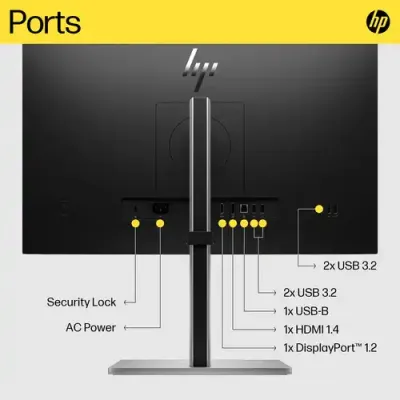
| Display Port | 1x DisplayPort 1.2 | |
| HDMI | 1x HDMI 1.4 | |
| VGA | N/A | |
| DVI | N/A | |
| USB Port(s) | 1x USB-B 3.0 / 3.1/3.2 Gen 1 4x USB-A 3.0 / 3.1/3.2 Gen 1 |
|
| Physical Specification | ||
| Dimension | 21.2 x 20 x 8.3" / 53.9 x 50.7 x 21.1 cm (with Stand) 21.2 x 12.7 x 3" / 53.9 x 32.3 x 7.5 cm (without Stand) |
|
| Weight | 12.83 lb / 5.82 kg (with Stand) 9.22 lb / 4.18 kg (without Stand) |
|
| Color | Black | |
| Power | ||
| Power Consumption | Standby: 0.5 W Typical: 39.0 W Maximum: 56.0 W |
|
| Power Supply | 100 - 240 VAC 50/60 Hz | |
| Warranty Information | ||
| Warranty | 03 Years Warranty | |
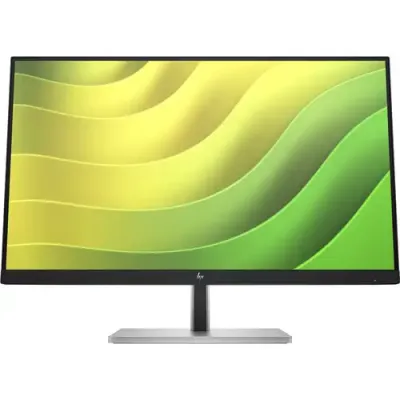
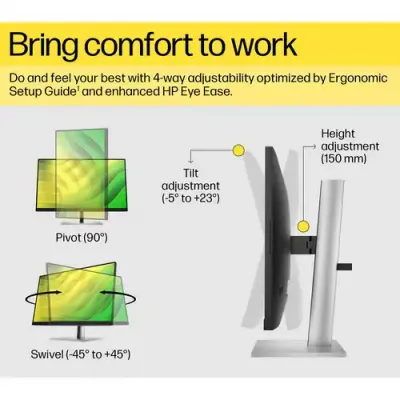
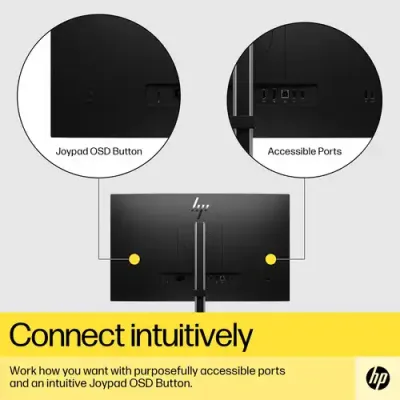
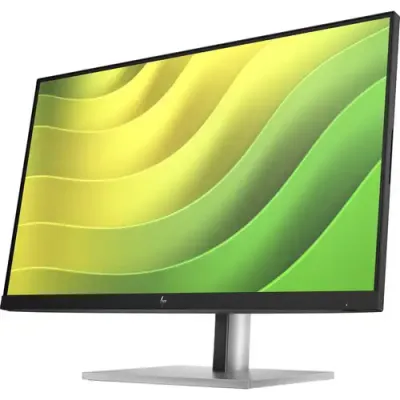
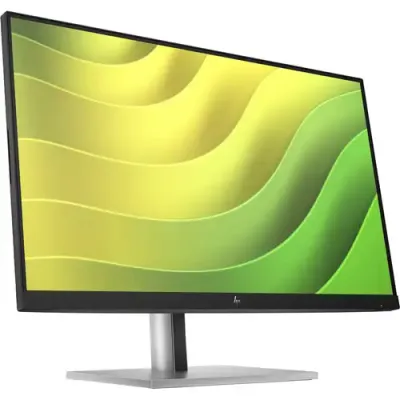
The HP E24q G5 23.8" 1440p Monitor is an ideal choice for both home and office environments, offering a blend of performance and comfort. It features a sharp 2560 x 1440 resolution with a 75 Hz refresh rate, delivering crisp and vibrant visuals, enhanced by 99% sRGB coverage and IPS technology for accurate colors and wide 178° viewing angles. The monitor is equipped with a variety of ports, including DisplayPort 1.2, HDMI 1.4, and four USB-A 3.2 Gen 1 ports, with one dedicated for device charging. For easy adjustment, it offers tilt, swivel, pivot, and height adjustments, supported by a step-by-step ergonomic guide in the HP Display Center. The anti-glare coating, flicker-free technology, and HP Eye Ease low-blue light filter ensure comfortable viewing, while the intuitive joypad OSD button simplifies on-screen settings management.
Get specific details about this product from customers who own it.






-80x80.webp)


